TrackAttack

Solo developer · 2025
Full-stack Web App React Node.js Express MySQL Socket.IO

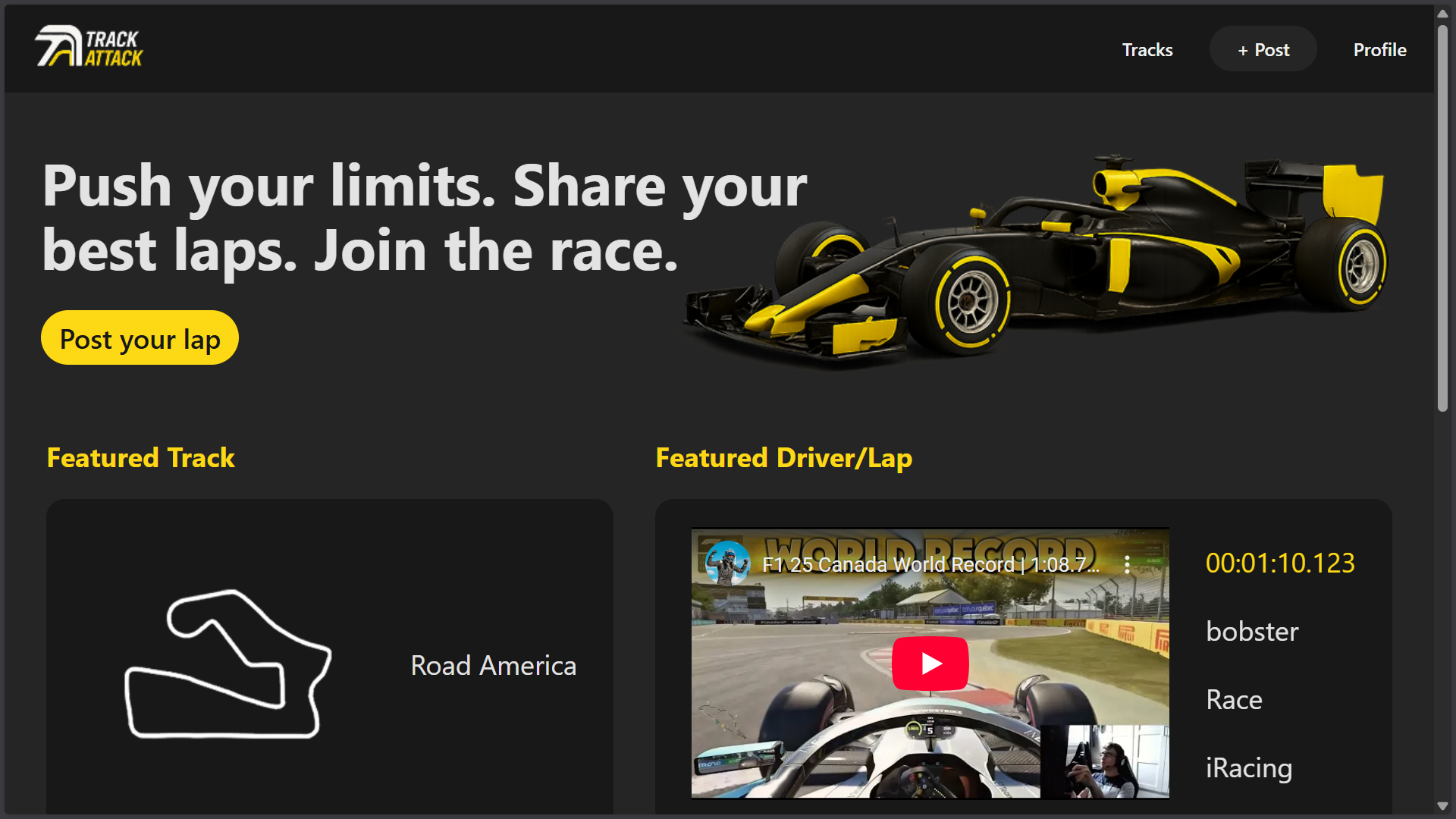
TrackAttack is a full-stack web platform that allows sim racers to log lap times, attach video proof and compare performance across tracks and drivers. The project focuses on structured data modeling, real-time interaction, and clear separation between frontend and backend responsibilities.

Overview

Problem

Sim racers often drive across multiple tracks, cars, and setups. Tracking progress becomes fragmented and inconsistent. There is no structured way to log best lap times, compare progress over time, or verify results with supporting media.

Solution

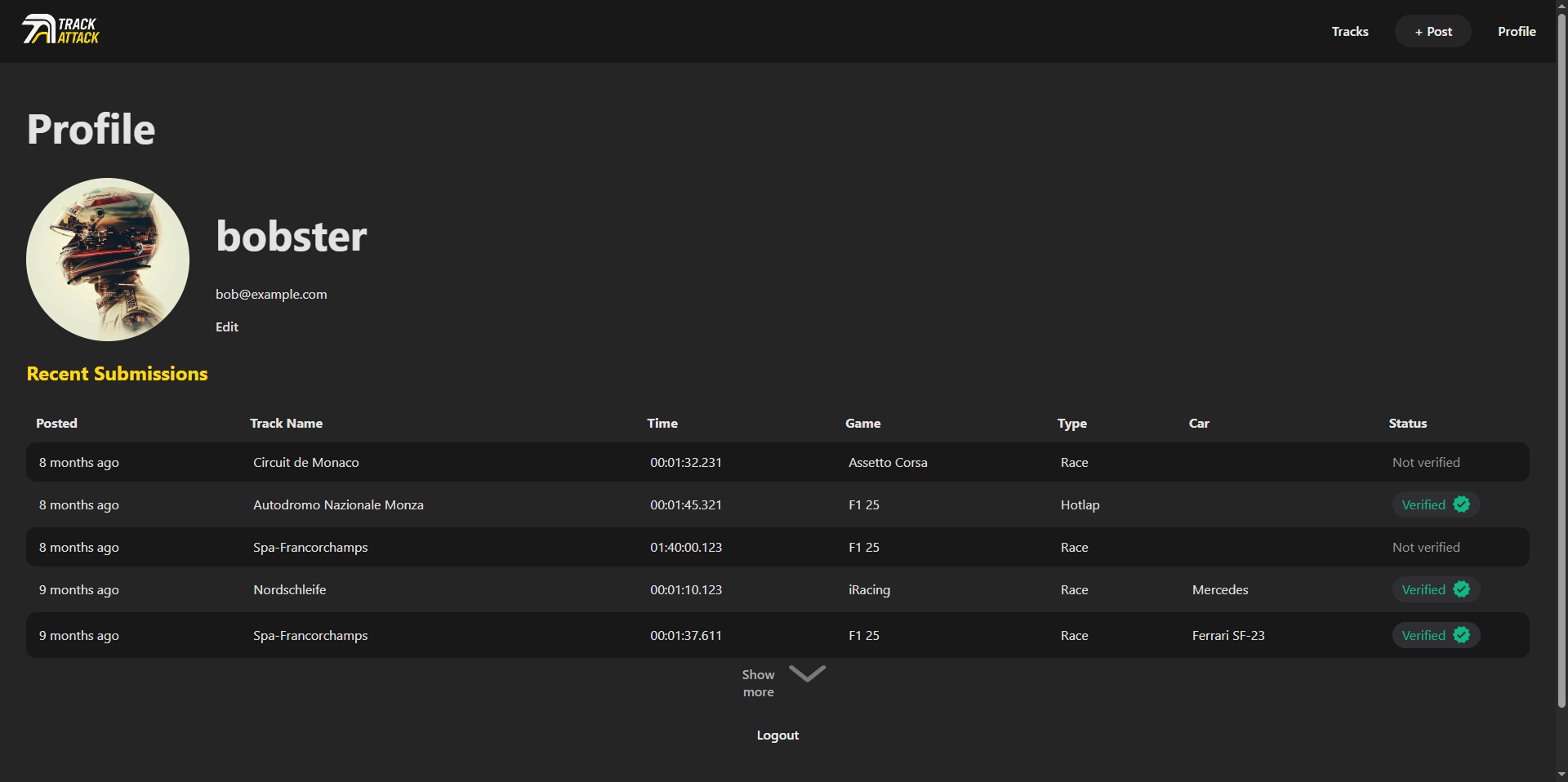
TrackAttack provides a structured lap logging system where users can submit times, associate them with specific tracks and cars, attach video proof, and compare results through organized leaderboards. The platform uses a consistent data model and real-time synchronization to keep rankings up to date while ensuring performance data remains structured and comparable.

Focus

The project emphasizes clear separation between frontend, backend, and database logic. Building and maintaining these boundaries helped me better understand how data flows through a full-stack system.

How It Works

Post a Lap

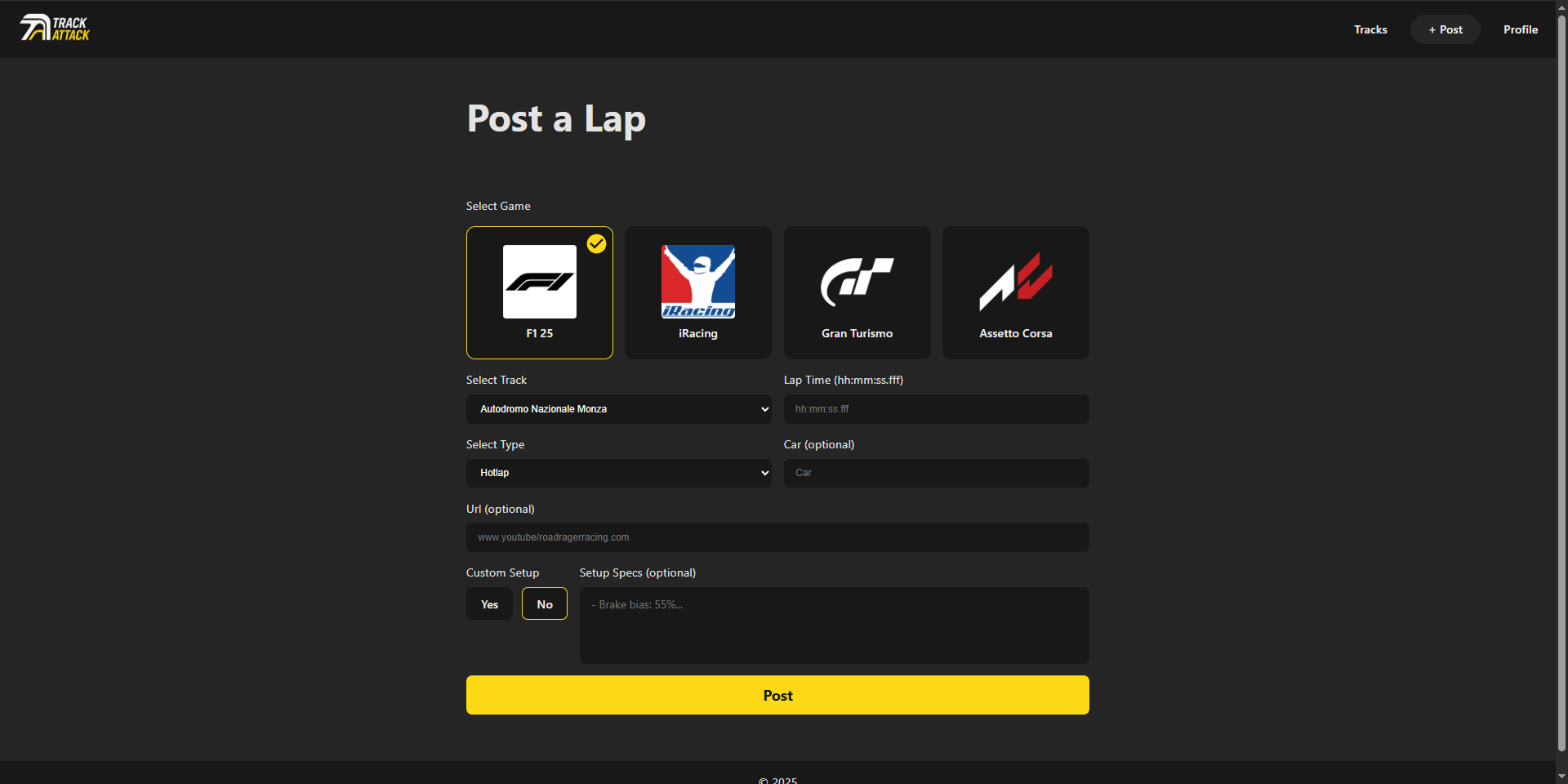
Posting a lap is the central action of TrackAttack. Every other feature supports this core flow.

  • Streamlined submission form
  • Clear track and car association
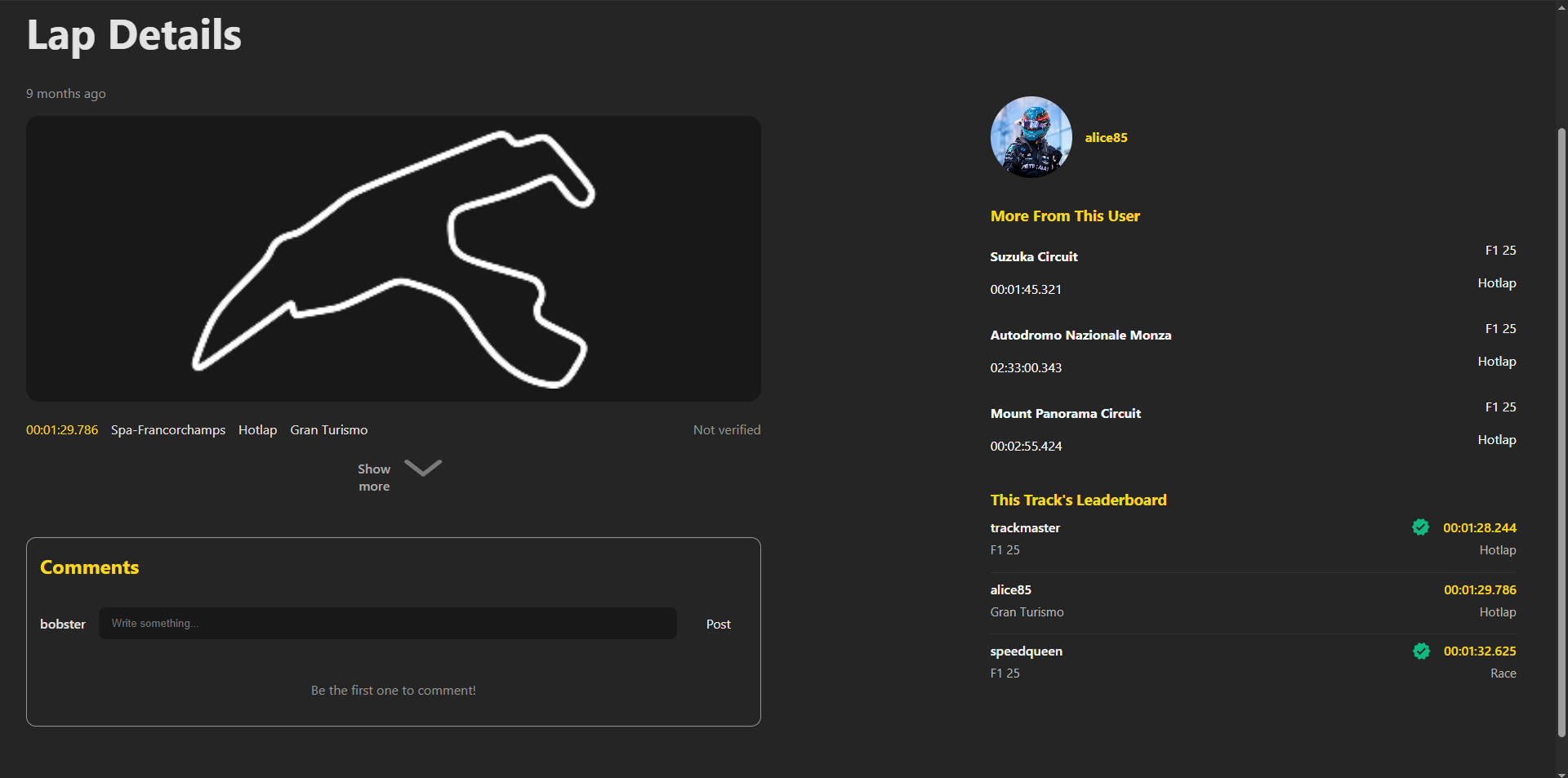
  • Instant feedback via lap detail view
  • Automatic leaderboard update

Compare & Explore

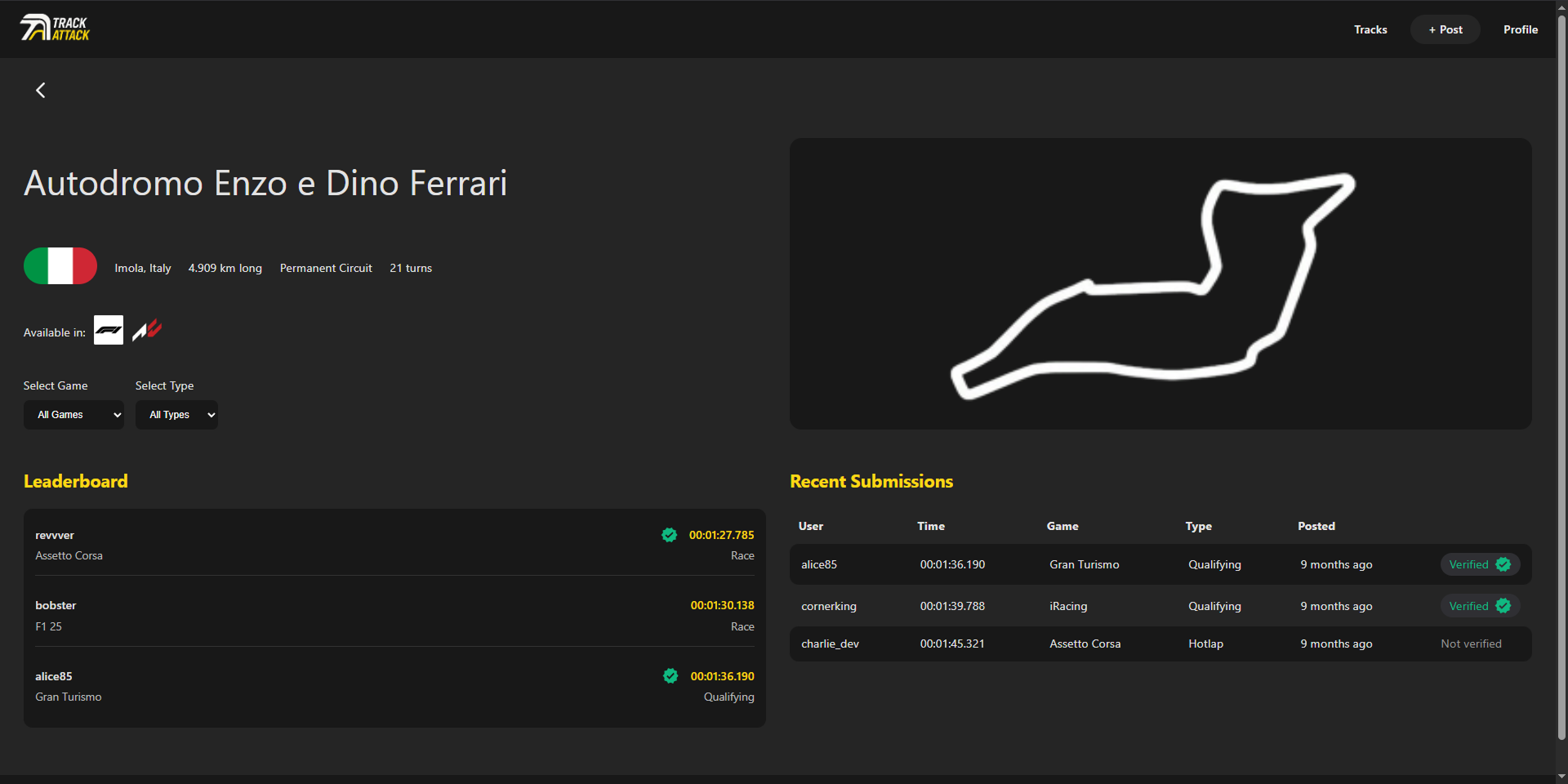
Users can explore laps through recent submissions and track-specific leaderboards to compare performance across drivers and sessions.

Structured filtering and consistent data modeling make performance comparison clear and reliable.

Interact in Real-Time

Real-time updates were implemented to reduce page reloads and improve responsiveness. This helped make interactions feel more immediate.

Architecture & Technical Thinking

The application is separated into frontend and backend services to keep responsibilities clearly divided and to better understand how client-server communication works in practice.

  • React + Vite for frontend development and client-side state management
  • Express backend with controller-service separation
  • MySQL relational schema for structured lap data
  • Multer for image handling
  • Socket.IO for real-time comment updates
  • Ownership checks enforced server-side

Constraints & Tradeoffs

Constraints

  • Manual lap time format (hh:mm:sss.fff)
  • Limited supported games & tracks
  • No automatic video verification

Tradeoffs

Instead of implementing complex video validation, I prioritized core submission flow and real-time interaction stability. Feature scope was intentionally limited to keep the structure manageable and focused.

Improvements & Reflection

Improvements

  • Modularizing the API and database logic into smaller, reusable modules
  • Refactoring repeated UI and layout patterns into reusable components
  • Reducing hardcoded layout values and improving responsive flexibility
  • Implementing automated lap verification (e.g., community voting system)
  • Adding analytics for improved clarity and experience

Reflection

This project improved my understanding of how important structure becomes as an application grows. I learned that separating concerns early makes future changes easier, even though the system is still relatively simple.

In hindsight, I recognized that parts of the UI could have been abstracted into more reusable components, particularly shared layout elements. This insight helped me better understand when abstraction improves maintainability and when simplicity is sufficient.

AI was used as a support tool when I was stuck on specific implementation details, such as understanding iframe behavior, refining filtering logic, or optimizing complex SQL queries. The overall system structure and data modeling decisions were planned and implemented by me.

Accessibility

Accessibility improvements were implemented during later refinement stages of the project. Non-semantic elements were replaced with appropriate HTML elements, form labels were clarified, keyboard interaction was reviewed, and contrast issues were addressed using Lighthouse audits.

Curious about the architecture or decisions behind this project?

Let's connect